Step by step
- Get in a car or boat and set a waypoint.
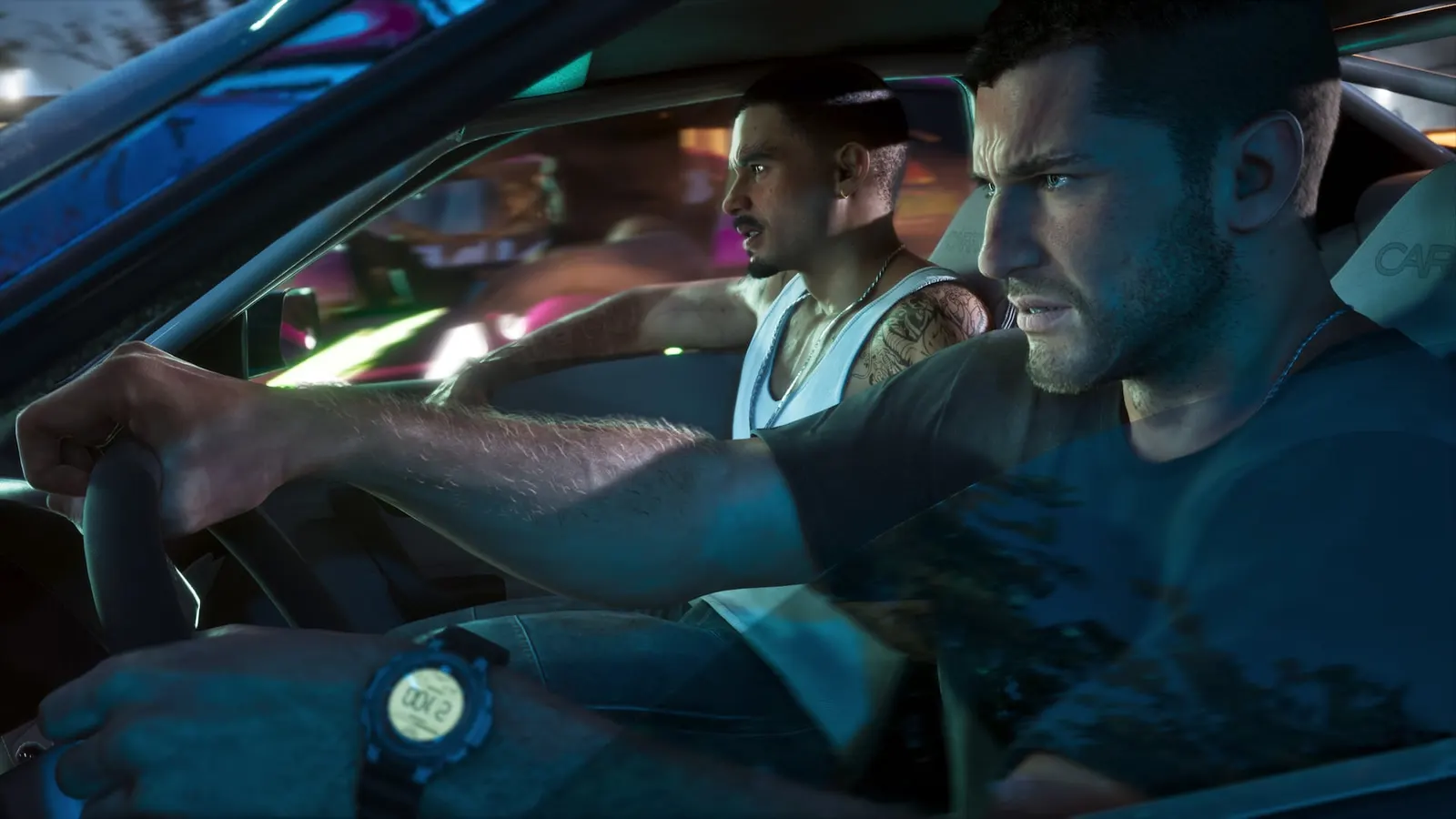
- Hold D-pad Down to bring up the camera options, then press Options or Menu to choose Cinematic view.
- Hold Circle or B. Your character starts driving to the waypoint.
- Press L2 or LT and R2 or RT to change speed. Hold D-pad Down to take back control.
Good to know: The game never tells you this exists. Your driver mostly obeys the traffic rules, so it's the scenic way, not the fast one.