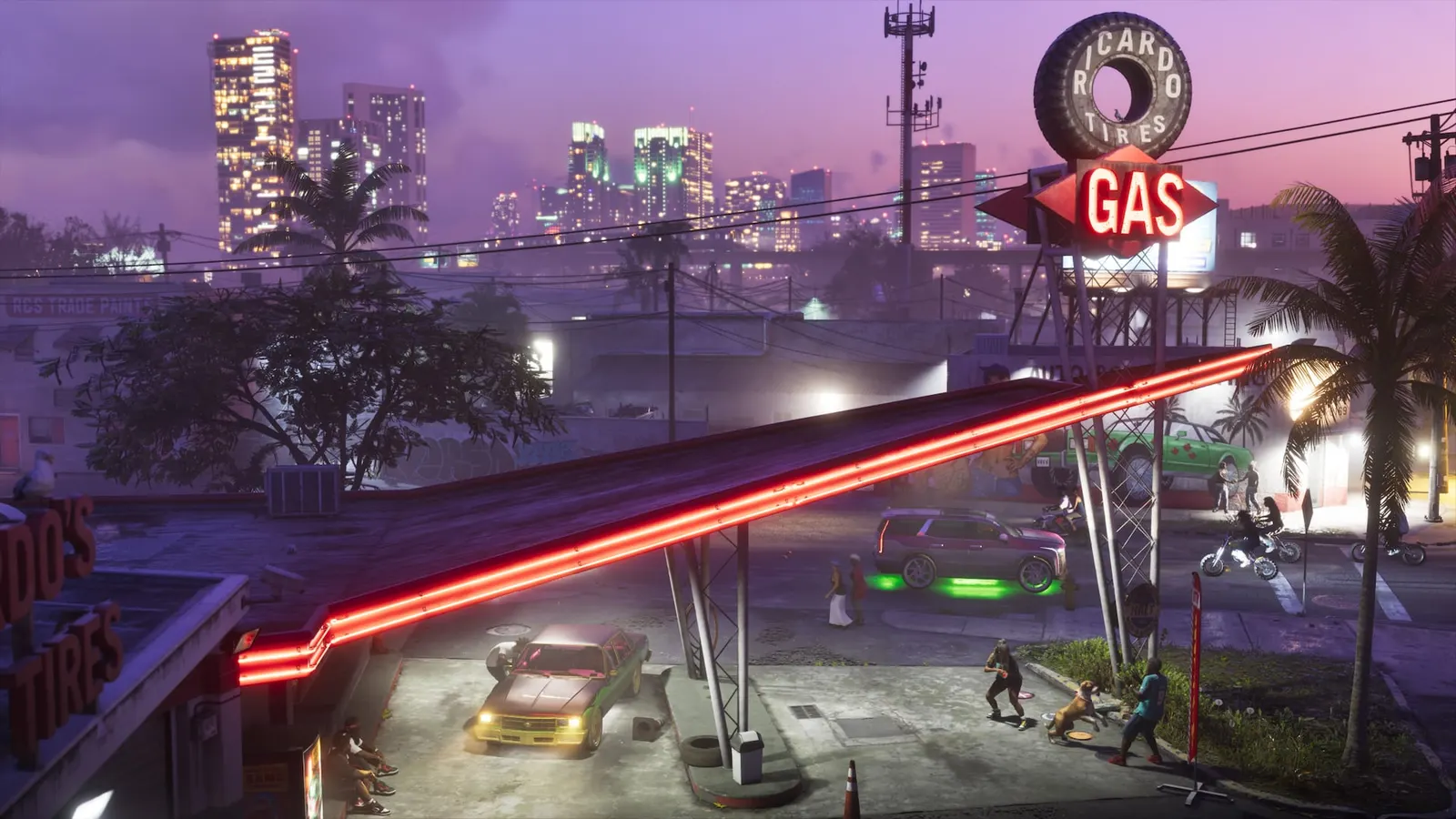
Most GTA 6 bugs are small and visual, but crashes, autosaves that did not happen and story calls that never came were real problems at launch. Update 01.002.002 (23 November 2026) fixed the autosave, missing-call, stuck Wanted Level and gym deadlift bugs plus several crashes. Install it first, then save by hand often.
Install the first patch before anything else
- Update 01.002.002 landed on both consoles on 23 November 2026. Xbox shows the same build as 1.0.2.2.
- Rockstar's notes list fixes for several crashes, weather that stayed the same for a long time, autosaves that failed, and story or mission phone calls that never came.
- It also fixes a Wanted Level you could not shake off, the gym deadlift bar you could not use, and partners who kept the bags you needed to sell to a fence.
- If one of those problems is blocking you, update, fully close the game, then load back in before trying any other fix.
- The notes do not name which crashes were fixed or give any error codes, so a crash you still get after updating may be a different one.
Crashes, freezes and loading screens
- Crash to the home screen with error CE-108255-1 on PS5: Sony's own advice for this code is to update the game. Install 01.002.002, then try again.
- Stuck on a loading screen while the PS5 menus still work: close the game, restart the console, and start it again.
- Launch or install trouble that keeps coming back on PS5: guides suggest starting in Safe Mode and using Clear Cache and Rebuild Database. Avoid Reset PS5, which wipes the console.
- Xbox Series X players reported crashes every 5 to 20 minutes, sometimes after a short freeze. Rockstar has not published a cause or a fix for it.
- On Xbox, the steps people share are: install every update, shut the console down, unplug it for about two minutes, and check the game sits on the internal drive or an approved expansion card.
- Some Xbox players on build 1.002.001 described flickering, coloured blocks and missing water textures near the sea. These are player reports, not a confirmed bug.
- Reinstalling is the last resort. Back up your saves first and try the restart and update steps before you delete anything.
- If a crash keeps happening at the same spot, note the game version, where it happens and any error code, and send that to Rockstar Support.
Saves and autosave problems
- Autosave not working: this was a real bug and update 01.002.002 fixed it. Even so, guides still say save by hand as well.
- To save by hand, pause (Options on PS5, Menu on Xbox), open the Game tab, choose Save Game and pick a slot. You get 15 manual slots and one autosave slot.
- Save Game is greyed out: you are in a mission. Finish it or get back to free roam, then save.
- Cannot find your autosave: it does not show on the save screen. Look under Load Game in the pause menu instead.
- Loading an older manual save can overwrite your autosave, so make a fresh manual save of where you are before you go back.
- Do not switch off while the spinning save icon is in the corner. Notebookcheck says sudden power loss may explain some lost files, such as a streamer who lost about 10 hours of play.
- Guides disagree on when autosave fires. Dexerto says after missions and also after deaths or arrests. GIGA says only after main missions and bigger side missions, not while exploring.
- There is no mission replay menu, so a spread of manual saves (for example one per chapter) is the only way to go back to an earlier point.
Missions that won't start and soft locks
- No new mission marker: install the patch first, because it fixed story calls that never triggered. Then check the Story index on the map and your phone for texts and missed calls.
- Stuck in a mission but not failed: open the pause menu and use Retry Checkpoint. The Skip Checkpoint option only shows on the fail screen.
- If retrying just repeats the broken moment, load a manual save from before that mission rather than the latest autosave, which can keep the broken state.
- Fully power the console off and on. Rest mode on PS5 and Quick Resume on Xbox can bring the stuck state straight back.
- Strength bar will not fill when lifting, even though the triggers respond: turn on Simplified Mini Games (Settings, Gameplay, Accessibility section) and retry. This helps in the mission Everything for the Gainz too.
- Some players report a crash during a delivery cutscene in the Chapter 4 mission Fully Catered. No fix has been confirmed. Update, restart and retry from a manual save, and report it if it keeps happening.
- A completed task can still show nothing new for a few minutes. That alone is not a reason to restart your save.
Phone, contacts and character switching
- Contact never rings: update first. Some story calls only arrive after time passes, so do other activities for a while. GamesRadar gives meeting Halifax in the Chapter 3 mission Dubious Provenance as an example.
- In Chapter 4, one guide reports that Raul does not call after the mission Heavy Lifting until you pay a $75,000 legal fee through the BuckMe app. Check your messages for money you owe.
- Character switch greyed out: this is usually not a bug. The other character is busy, on a mission, or the story does not allow it yet.
- Free switching opens in Chapter 2 after the main mission Coffee Break. Until then you play as one character in the open world.
- PowerPyx notes the other character is often greyed out while you are at home. Leave the house and try again.
- Right after a swap, the character you left may book a RydeMe and drive off, which can grey out the menu for a moment. Wait for them to leave.
- Some missions belong to one character only. The map icon shows who you need.
- Switching works by holding D-pad Right, then tapping R1 (PS5) or RB (Xbox).
Driving, physics and odd glitches players share
- Weather stuck on sunny: the patch fixed this, but some players still saw little rain. A popular PS5 workaround is Safe Mode, then Clear Cache and Rebuild Database, then Clear System Software Cache. Nothing similar is reported for Xbox.
- Falling through the map: one clip shows this after pulling out the phone in a tight gap between a car and a fence. Reload your last save to get back.
- Hitting a tree can fling your car across the map, much like the old GTA 4 swing glitch. It wrecks the car, so expect a repair bill.
- Jumping out of a plane just before a crash can make the plane pass straight through buildings.
- In a police fistfight, you and the officer can clip into each other or into a wall. Let it play out. You get free once the officer is knocked out.
- Pedestrians walking into walls, items floating after a character swap, clothes popping in late and big boats briefly warping near bridges are all cosmetic. They do not break your game.
- None of these physics glitches are listed in the patch notes so far.
What the first patch did not fix
- Crashes with no clear cause on some consoles. The notes only say several crash issues were fixed.
- The Fully Catered cutscene crash some players report in Chapter 4.
- The cosmetic and physics glitches above, such as clipping, floating items and falling through the map.
- The notes do not promise to repair saves the old bugs already hit. A mission that had stalled may still need a checkpoint retry or an older save after you update.
- The first patch notes say nothing about the money glitch players are sharing, so there is no word yet on whether it still works.
- We cover that glitch on its own page: see Money glitch GTA 6 in our wiki.
Tips
- Make a manual save before every story mission and keep a few older slots, since missions cannot be replayed.
- After any crash, look in Load Game for your autosave before assuming your progress is gone.
- Turn the console fully off when something gets stuck. Rest mode and Quick Resume can keep the fault.
- Simplified Mini Games in the Accessibility settings gets you past most broken lifting and button-mash moments.
- Keep automatic updates on so the next patch lands before you play.
- Report crashes that repeat at the same spot to Rockstar Support with your game version and any error code.
Related
Last checked 24 November 2026. Written by us from guides that agree: gamesradar.com, beebom.com, dexerto.com, notebookcheck.net, videogameschronicle.com, windowsforum.com