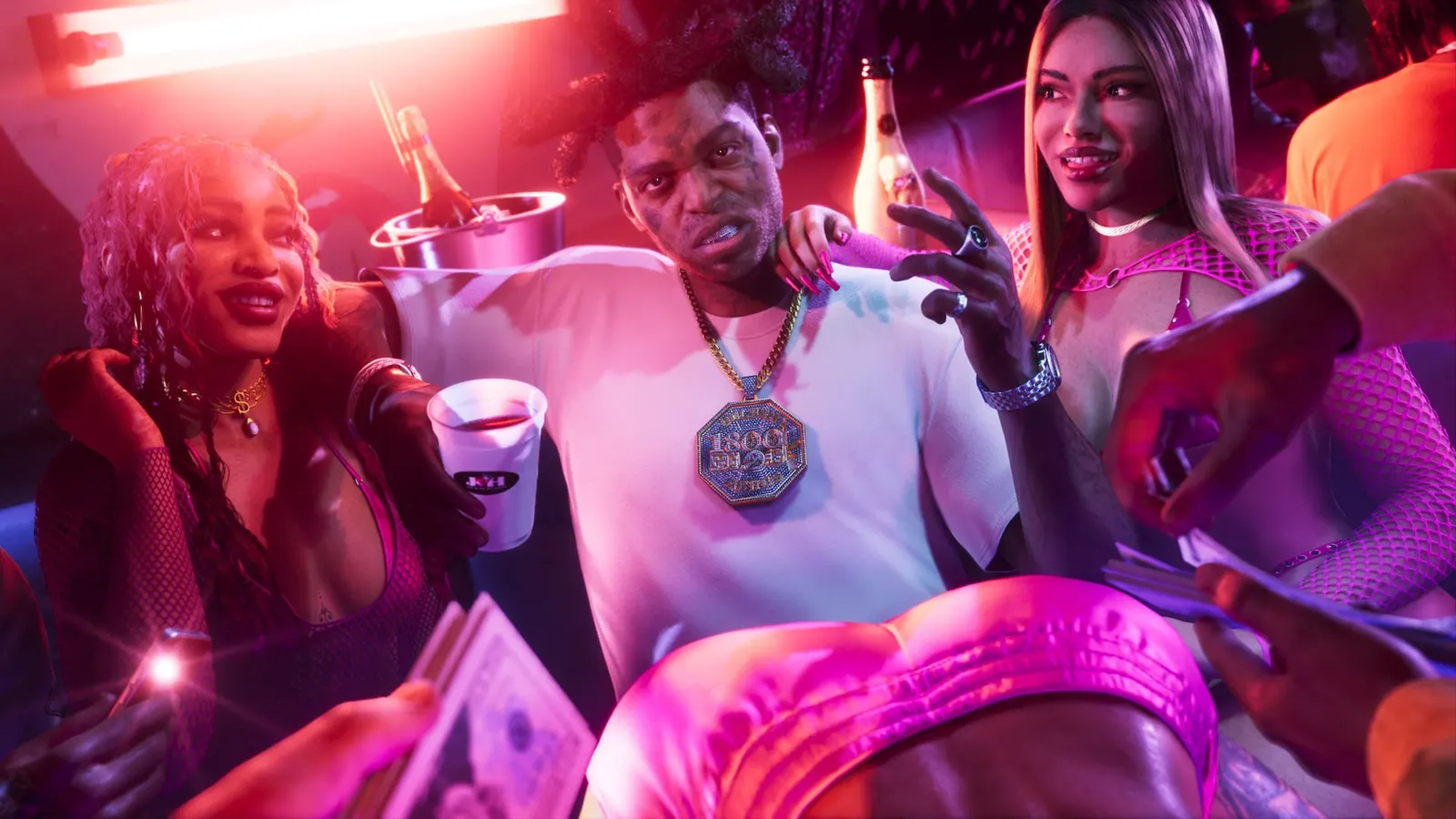
GTA 6 has had three updates. 01.002.000 (13 November 2026) and 01.002.001 (16 November) came before launch with no patch notes. 01.002.002 (23 November) is the first post-launch patch and the first with official notes: seven fixes covering crashes, autosaves, story phone calls, weather, Wanted Levels, the gym deadlift bar and fence bags.
Step by step
- PS5: find the GTA VI tile, either on the home screen or in the Game Library, and highlight it.
- Press Options and choose Check for Update. Any waiting patch starts downloading.
- For automatic updates on PS5, open Settings, then Saved Data and Game/App Settings. Under Automatic Updates, switch on Auto-Download and Auto-Install in Rest Mode.
- Xbox: press the Xbox button, open My games and apps, choose See all, then Manage, then Updates. GTA VI shows there if a patch is waiting.
- If the patch is not there yet, restart the console, check your internet connection and free space, and look again later.
Every update at a glance (newest first)
- 01.002.002, shown on Xbox as 1.0.2.2: out 23 November 2026 on both consoles. First post-launch patch, seven listed fixes.
- 01.002.001 (Xbox 1.0.2.1): 16 November 2026, PS5 and Xbox Series X|S. Pre-launch, no notes published.
- 01.002.000: 13 November 2026, PS5 and Xbox Series X|S. Pre-launch, no notes published.
- The game launched on 19 November 2026 at midnight local time, only on PS5 and Series X|S. There is no PC version.
- Some sites write the versions as 1.002.000 or 1.002 instead of 01.002.000. They are the same updates.
Update 01.002.002 (23 November 2026)
- Platforms: PS5 and Xbox Series X|S. On Xbox the build reads 1.0.2.2.
- Fixes: several separate crash causes, and weather that would not change for long stretches.
- Fixes: autosaves that did not happen as they should.
- Fixes: phone calls that never arrived, among them story calls and calls that unlock new missions.
- Fixes: a Wanted Level players could not get rid of, and a gym deadlift bar players could not use.
- Fixes: partners not passing over bags, which stopped you selling the goods to a fence.
- Size: Beebom and Push Square put it at roughly 603 MB for PS5 and 1.6 GB for Xbox. GIGA gives roughly 1 GB, so figures vary.
- Rockstar posted the notes on its support site. GTA6Times notes the official post gives no version number, size or error codes; those come from console listings.
- Beebom reports a staged rollout: about a third of players first, two thirds after three hours, everyone after six.
Update 01.002.001 (16 November 2026)
- A pre-launch patch for players who had pre-loaded. It had to be installed before you could play on launch day.
- Size: 602.5 MB on PS5, and roughly 1.59 to 1.6 GB on Series X|S.
- Xbox players got it straight away. PS5 got it in three waves: a third on the morning of 16 November, another third at 10pm GMT, and the rest at 10am GMT on 17 November.
- Rockstar published no patch notes, so nothing is confirmed about what it changed.
- Some Xbox players reported graphics glitches near water on this build, but that is not confirmed.
Update 01.002.000 (13 November 2026)
- The first update, six days before launch. On PS5 it could appear in the download queue as No Title.
- Size: about 1.07 GB on PS5. Sources disagree on Xbox: Red Bull says 2.18 GB and RockstarINTEL about 2.2 GB, while Beebom gives 1.07 GB for both and Bloxodes calls the Xbox size unconfirmed.
- On PS5 it went out in two halves, the second about 11 hours after the first. Reports say it was mandatory.
- Dataminers say two game data files grew by about 15 MB each. Rockstar has not confirmed what changed.
- No patch notes were published.
PS5 system software you need
- GTA 6 needs up-to-date PS5 system software, which is a separate download from the game patch.
- Sources disagree on the minimum. RockstarINTEL and MP1st said 14.22.00.00 when 01.002.000 came out. Beebom and games.gg say 26.07-14.23.00, released on 17 November, is needed now.
- Neither Sony nor Rockstar has published a minimum version, so the safe choice is to install the newest system software.
- To update, open Settings and go to System, then System Software. Choose the update option there and pick Update System Software.
How to check which version you have
- PS5: highlight Grand Theft Auto VI, press Options and choose Information. The version number is listed there.
- Xbox Series X|S: open My games and apps, choose Manage game and add-ons for GTA VI, and look at Updates.
- If your PS5 still shows an older number, the newest patch has not reached you yet. A staged rollout can take several hours.
- If you already have the latest version, there is nothing to reinstall.
Where official notes appear
- Rockstar posts patch notes on Rockstar Support, in an article named Grand Theft Auto VI Launch Updates that covers both consoles.
- Rockstar did not post notes for either pre-launch update, and it has not said whether it will add notes for them later.
- Sony's support page points patch and bug questions to Rockstar Support, and download or account problems to PlayStation Support.
- We only add a version here once we can confirm its number and date from more than one report.
Tips
- Fully close and restart the game after a patch so the new build loads.
- Keep some free space beyond the game's roughly 212 GB install so patches can download.
- A friend getting a patch before you is normal. PS5 updates roll out in waves.
- On PS5, keep Stay Connected to the Internet on in rest mode so patches download overnight.
- If you were stuck on a missing call or a broken autosave before 23 November, update and try again before restarting your save.
Related
Last checked 24 November 2026. Written by us from guides that agree: gamesradar.com, beebom.com, pushsquare.com, rockstarintel.com, redbull.com, comicbook.com